

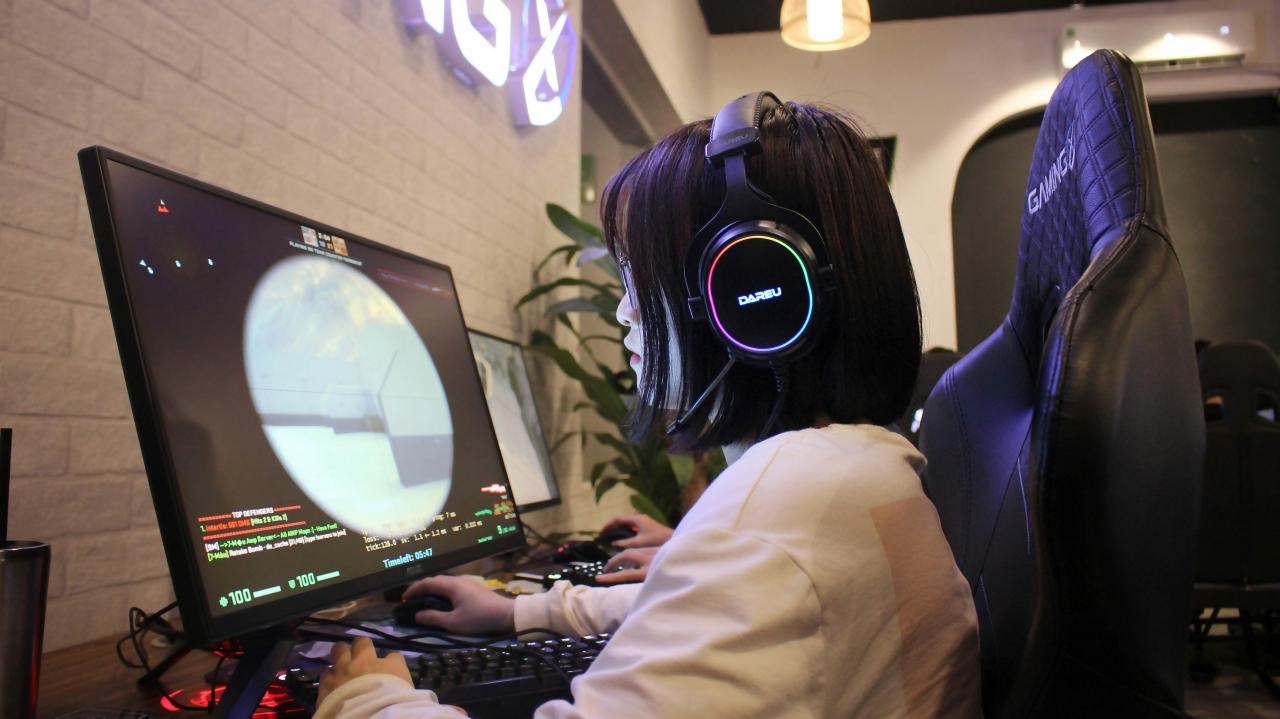
The pursuit of the ultimate gaming experience has shifted from a simple hobby into a sophisticated engineering challenge for enthusiasts around the world. In the modern era, achieving high frame rates and stunning visual fidelity requires a deep understanding of how various hardware components interact under intense thermal and computational stress. Many gamers invest thousands of dollars into high-end components only to find their systems underperforming due to poor optimization or hidden bottlenecks in their configuration.
Building a next-generation rig is no longer just about buying the most expensive parts available on the market today; it is about creating a balanced ecosystem where every millisecond of processing power is utilized effectively.As game developers push the boundaries of realism with ray tracing and complex physics engines, the demand on our hardware has reached an unprecedented level of intensity. This comprehensive guide will explore the technical nuances of fine-tuning your machine to ensure that you are getting the absolute maximum return on your hardware investment.
We will look beyond the surface-level settings to find the hidden performance gains that distinguish a standard PC from a world-class gaming powerhouse. By mastering these optimization techniques, you can ensure a fluid, immersive experience that remains stable even during the most demanding competitive sessions.
Advanced Thermal Management and Airflow Dynamics

Heat is the primary enemy of sustained gaming performance because it triggers internal safety mechanisms known as thermal throttling. When your Central Processing Unit (CPU) or Graphics Processing Unit (GPU) reaches a certain temperature threshold, it automatically slows down to prevent physical damage. This results in sudden frame rate drops and stuttering that can ruin your gameplay at the most critical moments. Optimizing your rig starts with mastering the physical environment inside your computer case to ensure a constant flow of cool air.
A. Positive vs Negative Pressure Configs
Positive pressure occurs when you have more intake fans than exhaust fans, which helps keep dust out of your system. Negative pressure pulls air out faster than it comes in, which can sometimes result in lower temperatures but requires more frequent cleaning. Most experts recommend a balanced approach or slight positive pressure to maintain a clean and cool interior over long periods.
B. High-Performance Thermal Interface Materials
The factory-applied thermal paste on many coolers is often of mediocre quality and can dry out over time. Replacing this with high-end carbon or silver-based thermal compounds can drop your CPU temperatures by several degrees instantly. This small change allows the processor to maintain its “boost” clock speeds for much longer durations during intense gaming marrows.
C. Liquid Cooling Loop Optimization
All-in-one (AIO) liquid coolers are popular, but their efficiency depends heavily on the orientation of the radiator. Placing the radiator at the top of the case as an exhaust is generally best for GPU temperatures, while a front intake position benefits the CPU. Understanding these trade-offs is essential for balancing the heat load of a high-end gaming machine.
Maximizing GPU Output and Visual Fidelity
The graphics card is the heart of any gaming rig and usually the most expensive component in the entire build. Modern GPUs come packed with features like AI-driven upscaling and real-time ray tracing hardware that require specific tuning to work best. Many players leave significant performance on the table by using default driver settings that prioritize power saving over raw speed. To truly optimize your GPU, you must venture into the software control panels and overclocking utilities.
A. Leveraging AI Upscaling Technologies
Features like DLSS or FSR allow your GPU to render a game at a lower resolution and then use AI to upscale it to your monitor’s native resolution. This can provide a massive boost in frame rates with almost no perceptible loss in image quality. It is the most effective way to play modern titles at 4K resolution while maintaining high refresh rates.
B. Voltage Undervolting for Stability
Contrary to popular belief, giving your GPU more power isn’t always the best way to get more performance. Undervolting involves finding the minimum voltage required to run your card at its maximum clock speed. This reduces heat and power consumption, often allowing the card to run faster because it never hits its thermal or power limits.
C. Resizable BAR Implementation
Resizable BAR is a technology that allows the CPU to access the entire GPU frame buffer at once rather than in small chunks. When enabled in the system BIOS, this can lead to a 5% to 15% increase in performance in supported games. It is a “free” upgrade that many gamers forget to activate when setting up their new hardware.
Memory Subsystems and Latency Reduction
Random Access Memory (RAM) is often overlooked, but its speed and latency have a direct impact on your minimum frame rates and 1% lows. High-speed memory ensures that the CPU isn’t waiting for data to be delivered from the storage drive or the system memory. In modern gaming, the “timing” of your RAM is often more important than the total capacity once you have at least 16GB or 32GB installed. Fine-tuning your memory subsystem can eliminate those annoying micro-stutters that occur in open-world games.
A. XMP and EXPO Profile Activation
Most high-end RAM modules ship with “overclocked” speeds that are not active by default. You must enter your motherboard’s BIOS to enable the Extreme Memory Profile (XMP) or Extended Profiles for Overclocking (EXPO). Without this step, your expensive 6000MHz RAM might be running at a much slower base speed of 4800MHz.
B. Dual-Channel vs Quad-Channel Routing
The way you physically install your RAM sticks matters immensely for the available bandwidth. Most consumer motherboards require you to put sticks in specific slots (usually 2 and 4) to enable dual-channel mode. Running in single-channel mode can cut your memory bandwidth in half, severely bottlenecking your CPU in CPU-intensive games.
C. Infinity Fabric and Controller Sync
For users on certain processor architectures, syncing the internal clock of the CPU with the memory controller is vital. This ensures that data moves between the processor and the RAM with the lowest possible latency. Achieving a 1:1 ratio between these clocks is the “holy grail” of memory tuning for enthusiasts.
Storage Speed and Level Loading Optimization
The days of mechanical hard drives are long gone in the world of high-performance gaming. Next-generation rigs rely on NVMe Solid State Drives (SSDs) that use the PCIe interface to move data at incredible speeds. This isn’t just about how fast your PC boots; it affects how quickly textures load as you move through a game world. Poor storage performance can lead to “pop-in” issues where objects suddenly appear out of nowhere because the drive couldn’t deliver the data in time.
A. Gen4 and Gen5 NVMe Advantages
The latest generations of NVMe drives offer read speeds exceeding 7,000 or even 10,000 MB/s. While this doesn’t always increase FPS, it dramatically reduces loading times and enables technologies like DirectStorage. DirectStorage allows the GPU to pull data directly from the SSD, bypassing the CPU to speed up asset streaming.
B. SSD Thermal Throttling Prevention
High-speed NVMe drives generate a surprising amount of heat during heavy read/write operations. If an SSD gets too hot, its controller will slow down the transfer speeds to cool off. Using a dedicated heatsink or ensuring adequate airflow over the M.2 slots is necessary to keep your storage running at peak performance.
C. Drive Partitioning and TRIM Maintenance
Keeping your OS on a separate partition or a dedicated smaller drive can help keep the system responsive. Additionally, ensuring that the TRIM command is active helps the SSD manage its flash memory cells efficiently. A drive that is filled to more than 90% capacity will often see a significant drop in write speeds and overall longevity.
Power Delivery and System Stability
A high-performance gaming rig is only as reliable as the Power Supply Unit (PSU) that feeds it. Modern GPUs are known for “transient spikes,” which are sudden, micro-second bursts of power draw that can overwhelm low-quality power supplies. If your PSU cannot handle these spikes, your system will simply shut down or restart without warning. Investing in a high-quality, high-efficiency power supply is the best insurance policy for your expensive internal components.
A. 80 Plus Gold and Platinum Efficiency
These ratings tell you how much power is wasted as heat versus how much is delivered to your components. A more efficient PSU runs cooler and quieter, which helps with the overall thermal management of your room and case. It also ensures that the internal components of the PSU last longer under heavy load.
B. ATX 3.0 and Native 12VHPWR Cables
The latest graphics cards use a new power connector that can deliver up to 600 watts through a single cable. Using a native ATX 3.0 power supply ensures that you don’t need to use bulky and potentially dangerous adapters. These new units are specifically designed to handle the massive power spikes of next-gen hardware.
C. Dedicated Circuitry and Surge Protection
A high-end rig can pull over 800 watts from the wall, which is enough to trip a breaker if shared with other appliances. Using a high-quality Uninterruptible Power Supply (UPS) protects your machine from voltage sags and power surges. This prevents data corruption and hardware failure during unexpected electrical events.
Peripheral Integration and Input Latency
The final link in the performance chain is the connection between the user and the machine. Input latency is the delay between clicking your mouse and seeing the action happen on the screen. While your PC might be generating 200 frames per second, a poor monitor or a laggy mouse can make it feel slow. Optimizing your peripherals is just as important as optimizing your CPU or GPU for a competitive edge.
A. High Refresh Rate and G-Sync/FreeSync
A 144Hz or 240Hz monitor provides much smoother motion than a standard 60Hz screen. Technologies like G-Sync synchronize the monitor’s refresh rate with the GPU’s output to eliminate screen tearing. This creates a much more fluid visual experience and makes it easier to track fast-moving targets.
B. NVIDIA Reflex and Low Latency Modes
Software suites can now optimize the entire pipeline from the mouse click to the display. Enabling low latency modes reduces the number of frames the CPU “pre-renders,” which tightens the feeling of control. This is a must-have setting for anyone playing first-person shooters or fighting games.
C. Polling Rates and Wired Connections
While wireless technology has improved, a wired connection still offers the most consistent polling rates for mice and keyboards. Setting your mouse to a 1000Hz or 4000Hz polling rate ensures that the PC is checking for movement thousands of times per second. This precision is what allows for “pixel-perfect” aiming in high-stakes matches.
Conclusion

Building and maintaining a top-tier gaming rig is a continuous process of refinement. The best hardware in the world is useless if it is held back by heat or bad settings. Every component in your system must work together in a perfectly balanced harmony. Always prioritize stability and cooling before chasing the highest possible overclocking numbers. A small investment in thermal paste or airflow can yield massive performance results. Digital optimizations like DLSS are the future of high-resolution gaming for everyone.
Never neglect the importance of a high-quality power supply to protect your investment. Your monitor and peripherals are the windows through which you experience your PC’s power. Stay curious and continue to learn about new technologies as they emerge each year. The ultimate goal is to create a machine that disappears so you can focus on the game.

